Payments
MoMo Deposit Not Reflecting
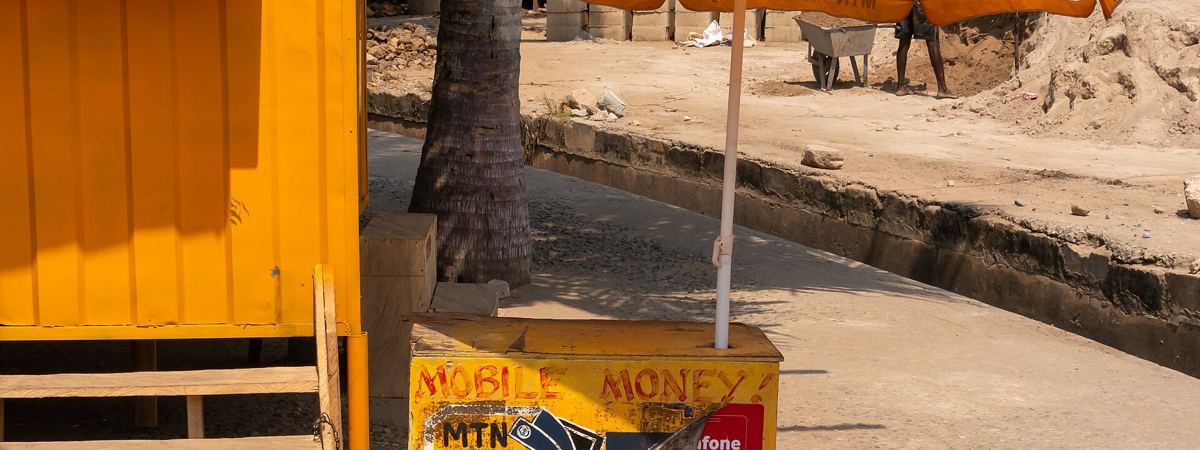
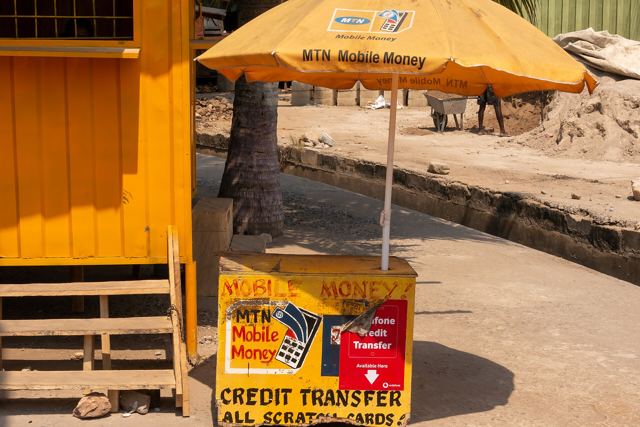
Your MoMo wallet shows money leaving your wallet for a bet, but the betting account remains as empty as you feel watching a referee sign off a marker-throw 60th minute equalizer. What do you do when this happens, and how can you click the right buttons to get your wager reflected even if the first one looks like it shipped off to the wrong number?
Check the Receipt and Status
Your MTN confirmation SMS and transaction ID are the key pieces of evidence you have. When a betting deposit on a bookmaker's website is debited from your MTN Mobile Money wallet, keep the détails: The transaction ID The amount The timestamp. MTN Ghana’s reversal guidance says a sender can call from an MTN line to 100, and from other networks to 0244300000, and provide the phone number, recipient number, transaction ID, amount, and timestamp. They'll open a case and contact the recipient within 24 to 48 hours.
Ask the Bookmaker to Match the Payment
When you pull up your SMS confirmation, the next step is to check the transaction details to ensure the transaction ID and timestamp are correct. While your Money-on-Mobile has registered the payment on their end, someone on the bookmaker side needs to check their system to see if your money was just caught in limbo.
Although the exact reverse process for an unpaid betting deposit when an operator checks the CAS and CRON systems, refunds may be automatic or require manual matching by transaction ID; check the bookmaker’s help center and payment terms. Contact the bookmaker's customer care, typically by chat or system. Provide them with the amount, timestamp, and transaction ID. A betting deposit that failed to register with the bookmaker often puts the payment within the operator's domain. Some payment issues can be handled by the bookmaker's customer service. You cannot credit a payment if it was not cashed correctly.
Use MTN’s Own Recovery Paths
The reversal page says it can be requested from a mobile phone through *170# by navigating to My Wallet, Reversals, and then Transaction Reversal. You must enter the MoMo PIN for verification. MTN's reversal page also lists official help channels, including social media @MTNGhana, email to [email protected], and WhatsApp to 0554300000. MTN's self-service Mobile Money Wallet operation from My Wallet may prompt if your PIN is out-of-date. It is accessed through dialing *170#.
MTN advises you must follow the steps to access the My Wallet menu from your phone. Click on Change & Reset PIN. Enter your new PIN and confirm it. You will receive a text message to confirm the change.
What Not to Do
Avoid sharing your MoMo PIN, and do not provide it to anyone claiming to be from MTN support. Scammers often try to impersonate customer service to steal PINs and gain access to accounts, so never share it with anyone, not even MTN when they ask, which is never.
If the Reversal Is Pending
The client must ask and receive an approval, which ensures funds return to their mobile money wallet. Once approved, the reversed money will be credited back to the sender's account.
When to Escalate
If the bookmaker cannot confirm the payment, contact the carrier directly. Official help channels, including social media, email, and WhatsApp are listed. In the end, the Bettor has the wallet cash and the pending flag - and old would-be $1,000 Longshot winnings remain stuck in branches off of 610. After all, your Money-on-Mobile confirms a deposit, but the sign in the bookmaker's end-of-day report stands tantalizingly empty. Without paying attention to those six precious pieces of paperwork, however, millions of withdrawals are denied each year. the key to pursuing a payment back to its original beneficiary is having receipts - and targeting the proper account.
But don't abandon ship. Use the tools you've been given. When one door seems slammed, another opens: official channels often help. So use the receipt SMS to your advantage, when in crisis. And please - keep the mobile password secure.
.jpg)